








Move SQL Server to the cloud. With HA intact.
Tessell migrates and manages SQL Server on AWS and Azure with multi-AZ high availability, BYOK encryption, and full DBA control, in your own cloud account. No application rewrites.
SQL Server estates don't move themselves
SQL Server tends to sprawl across business units and data centers, each managed a little differently, each with its own licensing, HA setup, and operational habits. Moving it to cloud usually forces a choice between losing capabilities your team depends on and accepting constraints on how you configure and operate it. Tessell migrates your SQL Server estate without that trade-off. You keep multi-AZ high availability, full control over images, parameters, collation, and security groups, and your own encryption keys, then run the whole estate from one control plane afterward, on AWS or Azure.

How Tessell Solves It
Migrate without the risk
Lift and Shine is Tessell's phased, no-rewrite migration methodology. Tessell stands up your SQL Server workloads in the target cloud, validates them, and cuts over on your schedule, with production kept live until you switch. Applications connect to the same endpoints after migration.
A US collectibles marketplace, migrated SQL Server to Tessell on AWS and saw a 53x performance improvement.
Learn about migrations
Multi-AZ high availability, including Standard Edition
Tessell provisions highly available, multi-AZ SQL Server by running standby instances in separate availability zones, with automatic distribution across fault domains in regions that use Availability Sets. High availability is available on Standard and Enterprise editions.
A Fortune 500 US financial services company runs multi-AZ SQL Server HA with its own machine image and bring-your-own security groups.
Explore database lifecycle management →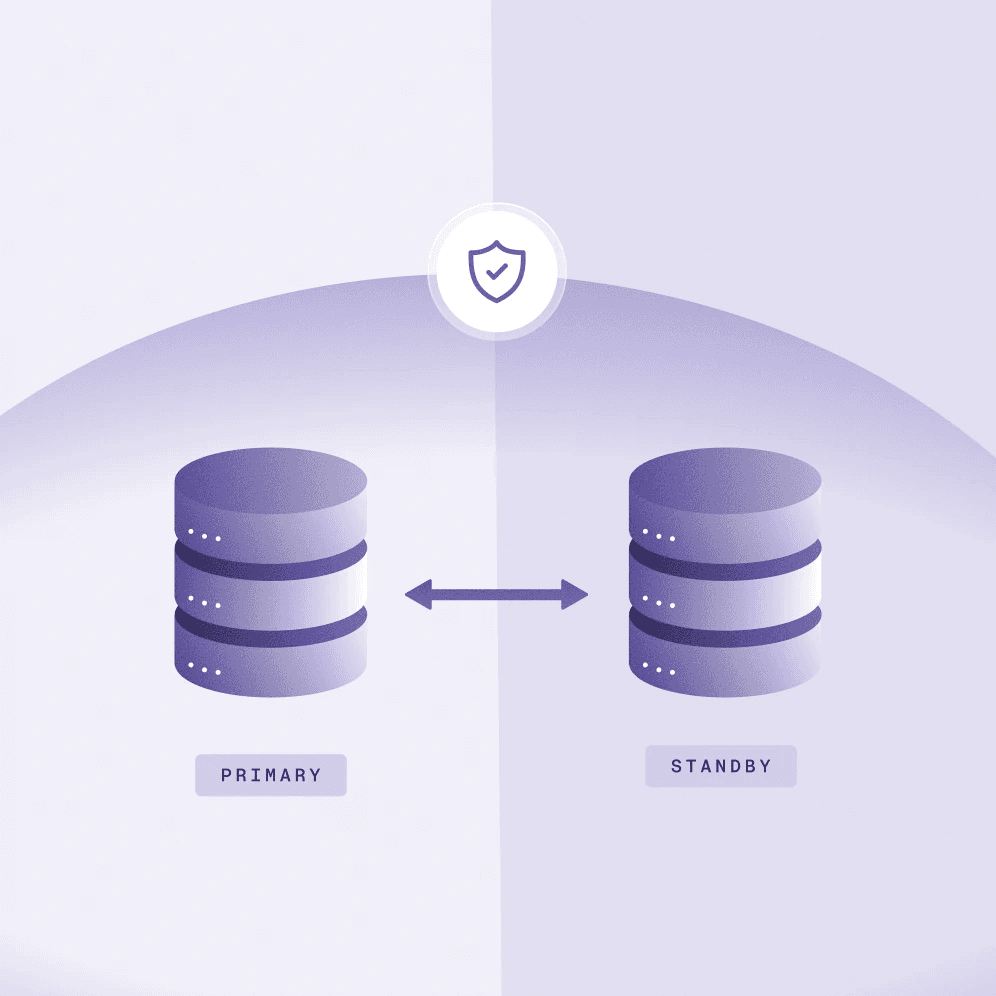
Your account, your keys, your control
Dedicated infrastructure in your own cloud tenant, with encryption at rest using your own keys, custom security groups, custom ports, SSL with TLS 1.2 in transit, Active Directory authentication, and full control over parameter profiles and collation.
A Fortune 500 US bank runs SQL Server with BYOK encryption, custom security groups, and full DBA control, all in its own cloud account.
See full Oracle feature support
Manage as one estate
After cutover, every SQL Server instance is managed from one control plane: provisioning, patching, monitoring, point-in-time recovery, HA and DR, native backups, and cloning, with consistent governance across clouds and business units. The Availability Machine provides continuous backup and point-in-time recovery, with logsweep running every five minutes.
A US collectibles marketplace cut database management cost 20% managing SQL Server from one control plane.
Reduce Database Costs
How Tessell migrates SQL Server to the cloud
A proven, low-risk process for moving SQL Server estates without rewrites.
1. Estate Discovery
2. Migration Planning
3. Data movement
4. Validate and Testing
Cutover on your Schedule
Plan your SQL Server Migration
Tessell for SQL Server
What to assess, how to phase it, and where the real risk sits before you move anything.
SQL Server high availability in the cloud, including Standard Edition
How multi-AZ HA works on Tessell, available on both Standard and Enterprise editions.
How Tessell Handles Transaction Log Retention for SQL Server Backups
Tessell MSSQL DBaaS takes full daily backups via Microsoft VDI and transaction log backups every five minutes, uploading logs to Amazon S3 for durable storage.
US State IT Services Provider Modernizes Critical Database Workloads on Azure
A central IT services provider for a US state modernized critical databases on Azure with Tessell - cutting TCO 51% and DBA effort 40%+
/Frequently Asked
Questions

Ready to move SQL Server to the cloud?Start with a free estate assessment
Tessell will catalog your SQL Server estate, plan the HA configuration, and recommend a phased migration plan tied to your timeline.