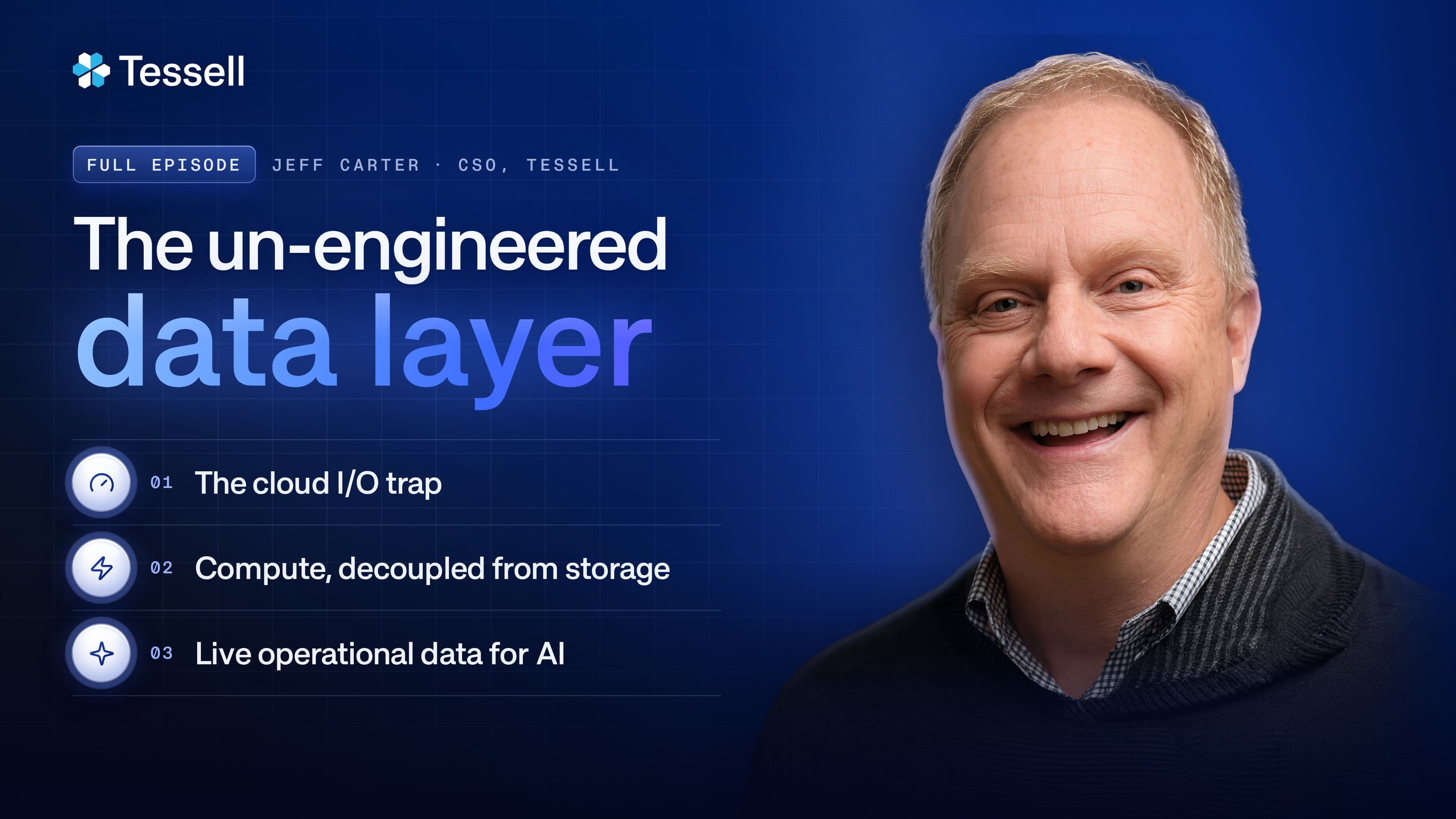


The Un-Engineered Data Layer: What Your Database Estate Really Costs (Part 2)
What does your database estate actually cost? Jeff Carter and Tim Davis work through consolidation, developers copying production data for AI, AI inside the database platform, and where the DBA goes next.
- One database per VM is rarely the cheapest: The one-to-one model minimizes blast radius, but the long tail of low-traffic databases (a high share of most estates' database count) can often be consolidated without raising per-core hardware or licensing costs. Tessell customers have seen up to a 40% reduction in cloud costs for their database systems.
- Slow governance creates copies: When governed, masked data takes weeks to provision, developers make their own copies. The fix is an easy path with logging, permissions, and inventory built in, plus four more checks: audit, need-to-know access, row- and column-level security, and data masking.
- AI shows up in three layers: Getting data to models (RAG, MCP), AI features inside the engines themselves (Oracle, Azure, Aurora), and the control plane that runs provisioning, patching, failover, clones, and audit.
- The DBA doesn't go away: Operations get automated; DBAs become the experts who make sure AI and development teams interpret the data correctly.
What does your database estate actually cost? Jeff Carter's answer is that it has three parts: dollars, risk, and your team's time. When you add them up, the number is usually a lot larger than you expect.
Part 1 of this series argued that the operational database is the one layer of the stack that never got engineered, and that it's where Oracle and SQL Server migrations lose their ROI and AI agents hit their rate limit. Part 2 follows that layer onto the balance sheet.
Jeff Carter, Tessell's Chief Strategy Officer, former VP of AWS Databases, and former CISO of Amazon's businesses outside of AWS, sits down with Tim Davis, Senior Director of Presales at Tessell, for four questions: what consolidation does to the cost of a database fleet, what happens when developers need production data for AI faster than governance can deliver it, where AI is already running inside the database platform, and how much of database operations will still need a human two years from now.
One database per VM
Tim Davis asks: Most managed cloud services lock you into one database instance per VM. What does consolidating Oracle or SQL Server onto one high-performance VM do to gross margins and server utilization?
Let me go back to the original theory, because the one-to-one model exists for good reasons.
When every database gets its own instance, you get clear ownership of that database and its purpose. You can size the cores, IO, and storage to exactly what that one database needs. Billing lines up with the purpose. You get one failover domain, and one patch window, so you're not coordinating across applications. In short, it minimizes the blast radius.
There's a problem, though. It's rarely the least expensive, especially for databases whose workload isn't measured in thousands or millions of transactions per second. Look at the ones where you measure transactions per minute, per hour, or longer. Those are ripe for consolidation.
So the question for your portfolio becomes: are there groups of databases that can share a single instance without raising the per-core hardware cost, and without driving up the core count you license? In my experience (talking to a lot of customers, and running Amazon.com's databases), the answer is yes, and yes in a big way.
Tessell's discovery process includes automation that finds those groups in your environment and builds the business case for consolidating them. Tessell has published results where customers saw up to a 40% reduction in cloud costs for their database systems.

What that looks like in practice: a Fortune 250 US transportation company moved 500+ mission-critical Oracle databases off a one-database-per-server model, cutting infrastructure costs by 40% through consolidation and raising server utilization from 15% to 60%. Read the story.
Follow-up: On a typical estate, how much of the server fleet sits idle under the one-to-one model before consolidation?
I don't have an exact number, but you'd be surprised how big it is. Everybody focuses on the handful of systems at the top: the high performers driving the core business processes. Alongside them sits a long tail of small databases. In analytics they're called slowly changing dimensions: your calendar, your list of retail locations, where your factories are. They change, but not quickly.
Add them all up and they're usually a high share of your database count, and a small share of where you place your attention.
Fresh production data for AI
Tim Davis asks: You sat in the CISO seat at Amazon, a background almost nobody in the database world has. Developers building AI apps want fresh production data to test against, and masking and provisioning take weeks. How do they get around it, what's the shadow security risk, and where does automated masking come in?
I spent two years as the CISO at Amazon.com, responsible for everything outside of AWS. And the problem you're describing is very real. Developers have a problem to solve, they need data to solve it, and the business wants it solved as fast as possible. With AI, that cycle is only getting faster.
Since this is a CISO question, I'll take it up a level. Before AI touches production data, I'd ask five questions.

Is there an easy path, with governance built in?
Developers are going to get the job done. Either they push a button and get the data they need, with the logging, the permission checks, and the inventory of every data set handled in that one step, or they go do it themselves. At Amazon we called getting this right "seductive adoption": the governed path is the one people choose because it's the easiest. Without it, they'll get their job done, they'll do it wrong, and they'll make tons of copies.
2. Do you have audit?
Do you have a list of all your data, and do you know where it lives, in the operational systems and in the analytic ones? Can you tell your board you have mechanisms that automatically find mistakes? Neither your developers nor your audit mechanisms will ever be 100% right. What matters is that you're constantly finding things, cleaning them up, and taking corrective action so they don't happen again. If you don't have this in place, put it in place. You will be shocked by what you find.
3. Are you limiting need to know?
Not every job role, and not every AI agent, needs all the data. Behavioral analysis can usually work from a customer ID without knowing who the person is. Logistics analysis can usually work from a ZIP code instead of a street address.
4. Are you using row- and column-level security?
These are database features built for exactly this kind of need-to-know enforcement.
5. Are you masking data?
A masked copy alters the personally identifiable information, so developers can use realistic data without tying it back to a real person.
Tessell has software called Dataflix that catalogs your database systems and every clone created from them. It lets you write masking rules (replacing a customer ID with a random number across an entire database, for example), so a clone can't be tied back to a person. Clones are scoped to a specific user community, logged, and can expire automatically. That's the kind of automation that can become part of your easy button: replicas, clones, and masked clones created quickly, with the governance already inside.


AI inside the database platform
Tim Davis asks: Everyone is talking about feeding data to AI models. Flip it: under the hood, how is AI being used inside the database platform (predictive auto-scaling, storage tiering, query tuning, self-healing), and how much database toil does it actually take off the table?
I come at this from three angles.
Getting data to the models
The first is making the data in your databases accessible to AI models. That usually runs through retrieval-augmented generation, or RAG. The Model Context Protocol, MCP, is an interface that makes a RAG setup easier for developers to build.
The engines themselves
The database vendors (Oracle, SQL Server, Postgres, pick your favorite) are all actively building AI into their products. Oracle's Autonomous Database has auto-indexing, SQL plan management, and auto-scaling. Azure has automatic tuning. Aurora scales automatically, adding and removing cores or memory based on actual activity. All of these use machine learning, and it's all very cool stuff at the database layer.
The control plane
The third layer is AI and automation at the control plane, and that's where Tessell plays: provisioning, patching, backup, and failover across availability zones, regions, or clouds. Also anomaly alerting, the creation of the clones and replicas we've talked about, and operations that help with both policy and audit.

Two years out
Tim Davis asks: Fast forward two years. How much of data operations runs without a human in the loop?
There are a lot of possible scenarios, but I'll play out what I've seen over the last decade, because I think the pattern continues.
DBAs have historically been focused on operations. They've been the core human in the loop for the database. A lot of that operational work is going to get automated. But I don't think the DBA goes away, and I don't think the human in the loop goes away.
I think DBAs become the experts working alongside the AI teams and the software development teams: making sure the data is interpreted correctly, that business processes are getting the best use of it, and that the databases are tuned for performance. AI will keep helping with that. But these operational systems are just way too important to the business to be handed over to machines completely.
The database under the P&L
Tim's takeaway from the conversation: the database quietly sits underneath the P&L. The security posture around it is critical. And now the AI roadmap runs straight through it, all at the same time.
Jeff's advice to anyone listening: go look at what your database estate is actually costing you. In dollars, in risk, and in your team's time. When you add it all up, the number is usually a lot larger than you expect. And with automation that works across clouds, it's much more fixable than most people think.
This is Part 2 of a three-part series. Part 3 covers the board-level blueprint: running a managed database service inside your own cloud account, avoiding single-hyperscaler lock-in, and the metrics that show whether your Oracle and SQL Server estate is ready for the AI era.
If you want to see what your own database estate really costs, talk to us.